COMING SOON · ANDROID

Passwords, remembered by math. Not stored anywhere.

ENGRAMPass is a stateless password manager for Android. Every password is recomputed on your device from one master password, so there is no vault to breach, sync, or lose.

No vault to breach
No network. Ever.
No accounts, no tracking
Derive a password ON DEVICE
LEN 16
A–Z a–z 0–9 symbols
scrypt + HMAC · same name + master + site always yields the same password. Demo only. Nothing here is sent anywhere. Already use ENGRAMPass? Open the web vault to import your backup →
The problem

The vault is the vulnerability.

Traditional password managers lock your logins in an encrypted vault you back up, sync, and trust to a company's servers. Lose the vault or the company gets breached, and you have a problem. ENGRAMPass never stores your passwords at all.

Vault-based managers

  • A single encrypted file holds every secret, a target worth breaching.
  • You must back it up and sync it across every device.
  • Lose the vault, lose your logins. Trust the company, trust their servers.

ENGRAMPass

  • Nothing is stored. Each password is recomputed on demand, on your device.
  • Nothing to back up, sync, or upload. The app has no network at all.
  • New phone? Type your name and master password and every login returns.
How it works

One master password in. Every password out.

ENGRAMPass is deterministic: the same inputs always produce the same password, on any device, forever.

01

One master password

You pick one strong master password and your full name. These never leave the device. They are the only things you have to remember.

02

Derived, not stored

For each site, ENGRAMPass derives a unique, strong password from your master password and the site name using a proven algorithm.

password = scrypt(name, master) ▸ HMAC(site) ▸ encode(style)
03

The same, everywhere, forever

The same inputs always produce the same password. Change phones and they all regenerate in seconds. Nothing is ever uploaded.

Features

Everything a password manager should do, minus the vault.

Password generation, your way

Four styles, full control over length and character classes, and a color-coded reveal so you can tell a zero from an O. Set length, toggle upper, lower, numbers and symbols, then one-tap reveal or copy.

PronounceablePassphraseStandardRandom

Security by design

Privacy is the architecture, not a setting.

  • No internet permission. No ads, analytics, tracking, or accounts.
  • Biometric unlock, auto-lock, and automatic clipboard clearing.
  • Encrypted backups you control, with an optional backup password.
  • Light, dark, and system themes. Optimized for foldables.

Autofill everywhere

Fills passwords into apps and browsers through Android autofill, no copy-paste juggling. Recognizes a new site, generates a password on the spot, and remembers your per-site settings.

Built-in 2FA (TOTP)

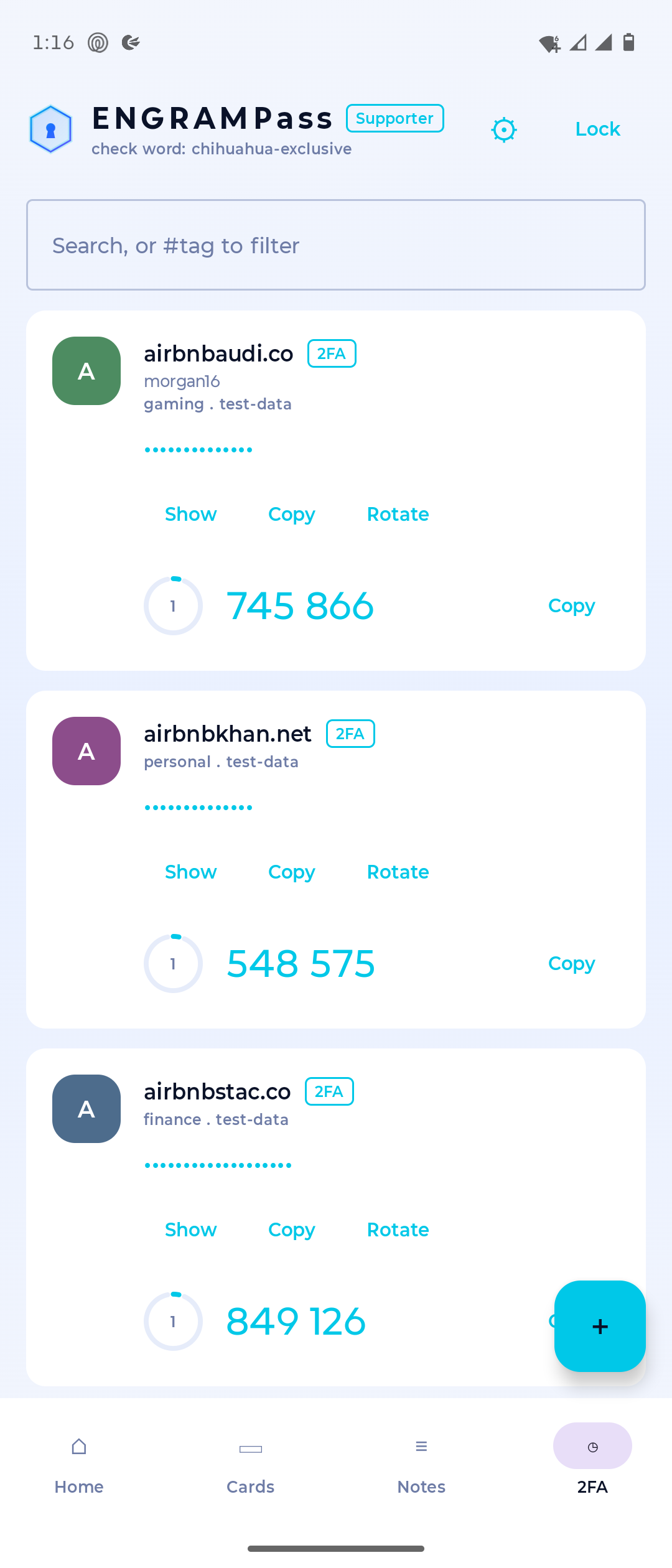
Keep your second factor with your passwords. Scan the QR code with your camera or paste the setup key, and live, refreshing codes sit right on the main screen.

Identity profiles

Save profiles like Home and Work (name, email, phone, full address) and autofill them into forms in one tap. Stored encrypted on device, like everything else.

Stay organized

Tags and categories with quick filtering, plus password rotation with full history, so an old password is always recoverable when a site forces a change.

Privacy promise

No internet permission. The app literally cannot send your data anywhere.

There is no server to trust because there is no server. ENGRAMPass never asks for network access, so your master password, your sites, and your derived logins stay on your phone, by construction, not by policy.
No accounts No analytics No ads Biometric unlock Auto clipboard clear
In the app

Built for one-handed, everyday use.

ENGRAMPass home screen showing a list of sites, each with a password and a live two-factor code
Your sites, with live 2FA
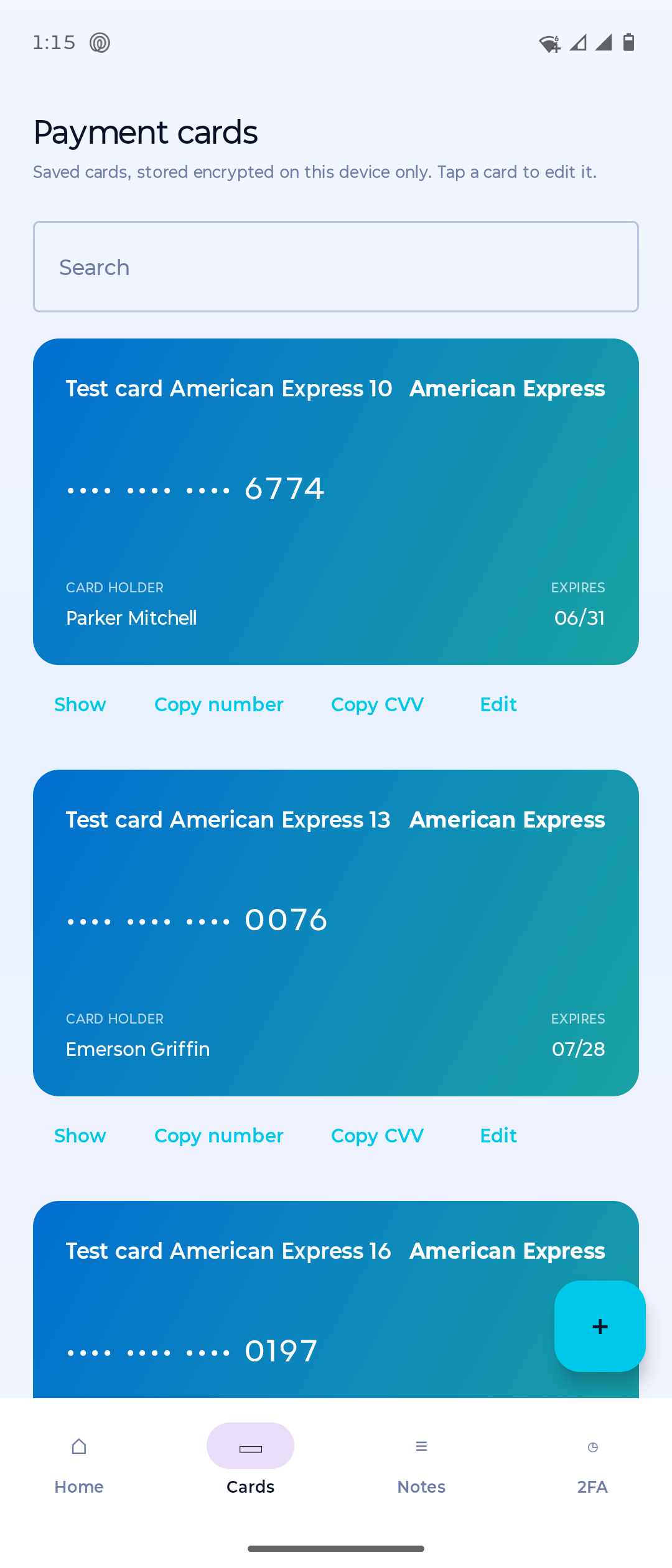
ENGRAMPass payment cards screen showing saved cards stored encrypted on the device
Payment cards
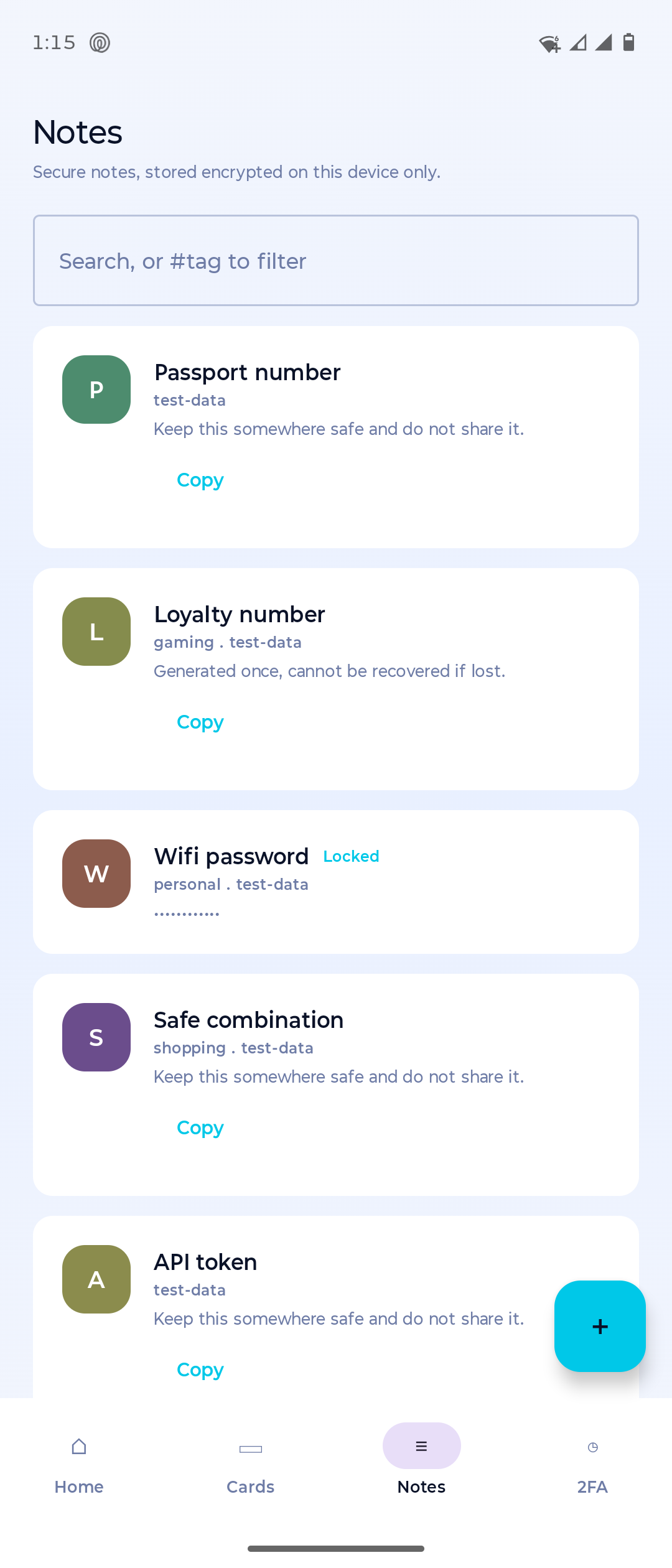
ENGRAMPass secure notes screen with tagged, encrypted notes and quick filtering
Secure notes
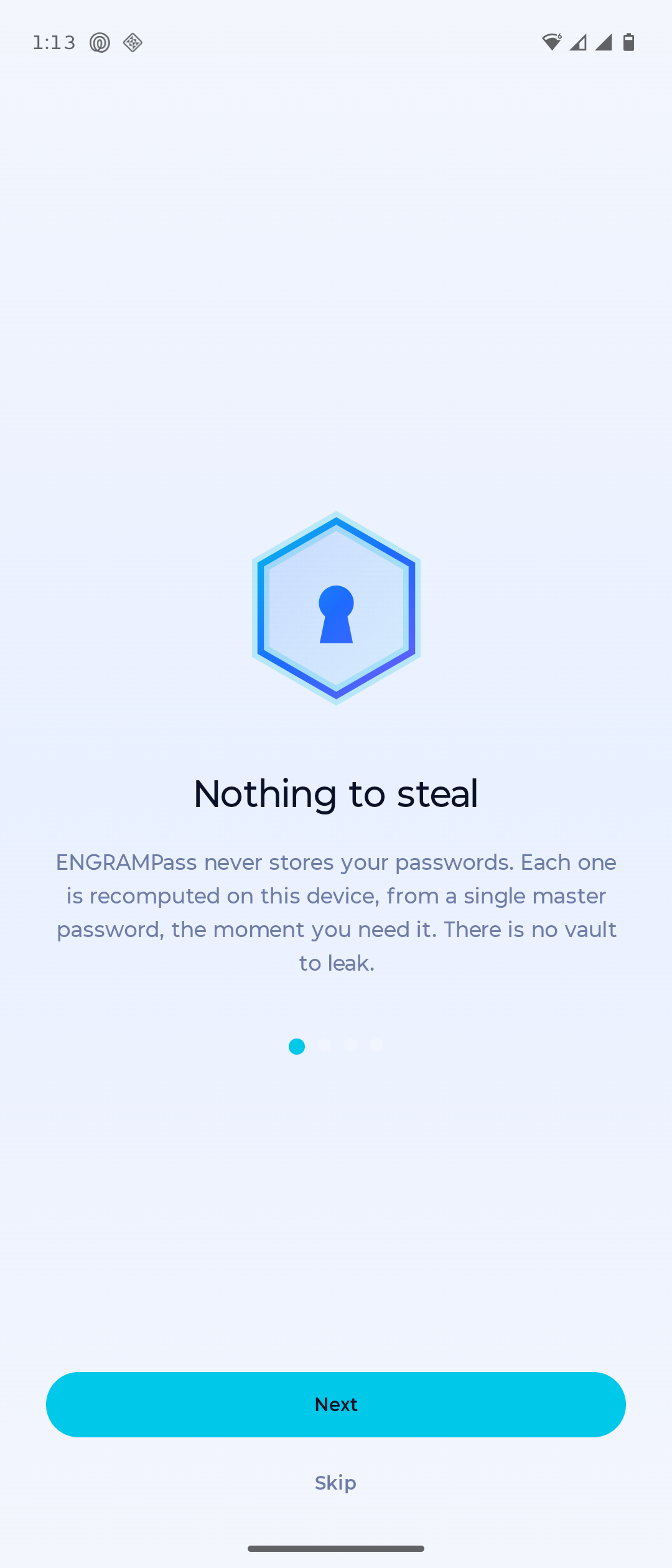
ENGRAMPass onboarding screen titled Nothing to steal, explaining passwords are recomputed on-device
Nothing to steal
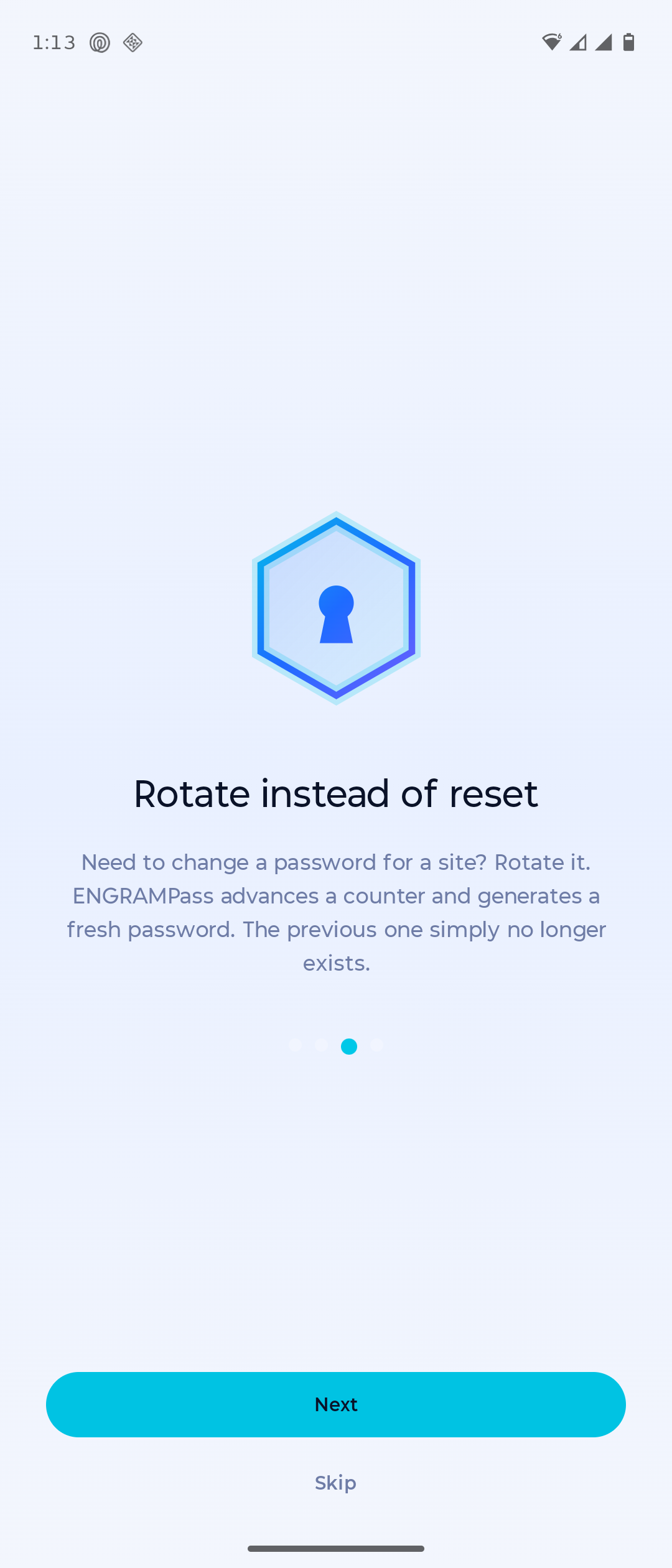
ENGRAMPass onboarding screen titled Rotate instead of reset, explaining counter-based password rotation
Rotate, never reset
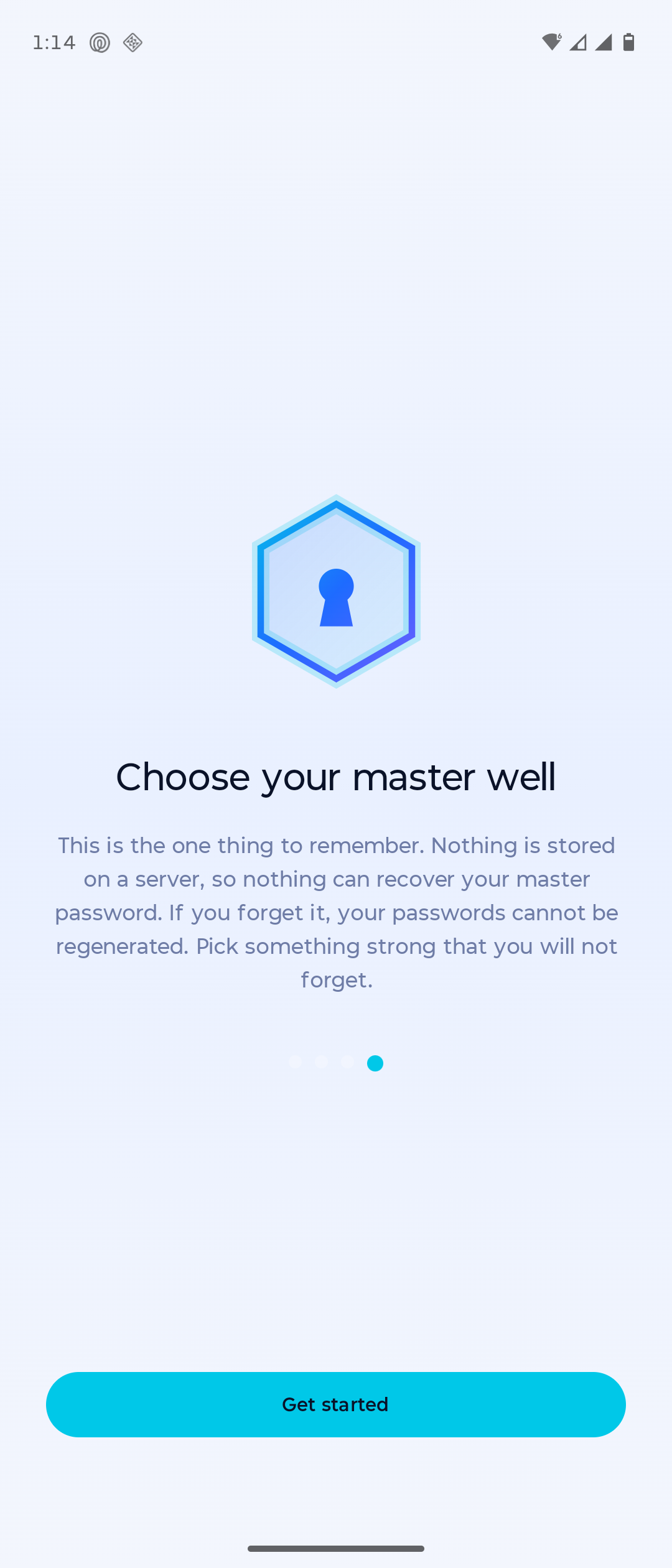
ENGRAMPass onboarding screen titled Choose your master well, explaining the master password cannot be recovered
One password to remember

Real screenshots from ENGRAMPass on Android.

More in the app

More than passwords.

Cards, custom fields, attachments and more, all encrypted on device. One more surface is on the way.

Included

Credit cards

A visual card view that autofills card details as cleanly as passwords.

Included

Custom fields

Add arbitrary fields to any entry: recovery codes, PINs, security answers.

Included

Optional PIN unlock

A quick PIN alongside biometrics for fast, low-friction access.

Included

Secure image attachments

Attach encrypted images to an entry: passports, cards, documents.

Coming soon

Wear OS companion

Glance at codes and copy logins straight from your watch.

Pricing

Free forever. One optional unlock.

The app is free, and the core stays free forever: password generation, autofill, 2FA codes, secure notes, payment cards, identity profiles, encrypted backup, and PIN or biometric unlock. There is exactly one optional unlock for the cosmetic and power-user extras. No subscription, ever.

Support and unlock $5one time, kept for life

The unlock ships through a separate free companion app, ENGRAMPass Supporter, on Google Play. Install it, make the one-time $5 purchase inside it, and the main app unlocks automatically. The main app never touches the network: the companion app handles the purchase, so ENGRAMPass can stay fully offline.

The $5 unlock adds

  • Every theme, including a true-black AMOLED mode
  • Accent colors plus a custom color picker
  • Switchable app icons
  • Bottom-bar customization
  • Unlimited identity profiles
  • A supporter badge

Free baseline

  • System theme
  • Up to 2 identity profiles
  • Every other feature, free
Notify me at launch

One-time $5, kept for life. No subscriptions, ever. The companion app is free; the purchase inside it is optional.

FAQ

Questions, answered plainly.

What if I forget my master password?
Because nothing is stored, your master password is the one thing that cannot be recovered. Choose it carefully. This is the tradeoff for having no vault to breach. There is no reset link because there is no account and no server.
How do my passwords appear on a new phone?
Install ENGRAMPass and enter the same name and master password. Every password regenerates on the spot. There is no backup to restore and no account to sign in to.
Is it really offline?
Yes. The app does not request internet access, so it physically cannot send your data anywhere. No cloud, no sync, no telemetry.
Is it compatible with the old Master Password / Spectre app?
Yes. The standard style uses the Spectre / Master Password v3 scheme (scrypt + HMAC), so it reproduces the same passwords you generated there.
What permissions does ENGRAMPass need?
It registers as an autofill service and uses the camera only when you choose to scan a 2FA QR code. It does not request internet, contacts, location, or storage beyond the file you pick during an export or restore. See the privacy policy for the full list.
Launching on Android

Be the first to know.

Leave your email and we'll send you a single message the moment ENGRAMPass lands on Google Play. No newsletter, no spam. That wouldn't be very us.

Want a feature or have a question? Email support@orionsy.com.